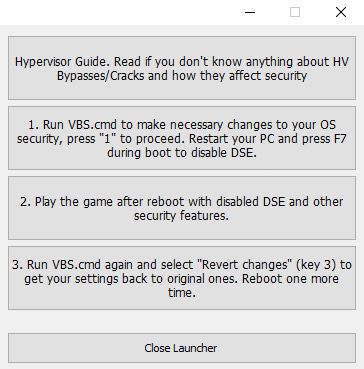
1. Run "VBS.cmd" file with "Run as Administrator". And please read the displayed information carefully before proceeding. Press "1" to proceed.
- Once complete, your PC will automatically restart.
- During the restart process, you will see a blue screen, you must press F7 and select "Disable Driver Signature Enforcement".
2. Start game as Administrator.
3. Enjoy
NOTE 1: After you are done playing the game, it is highly recommended to revert the changes by run "VBS.cmd" file, select "Revert" (by pressing key 3)
NOTE 2: Each time you start the game, you need to repeat all the steps above.